Text to Image
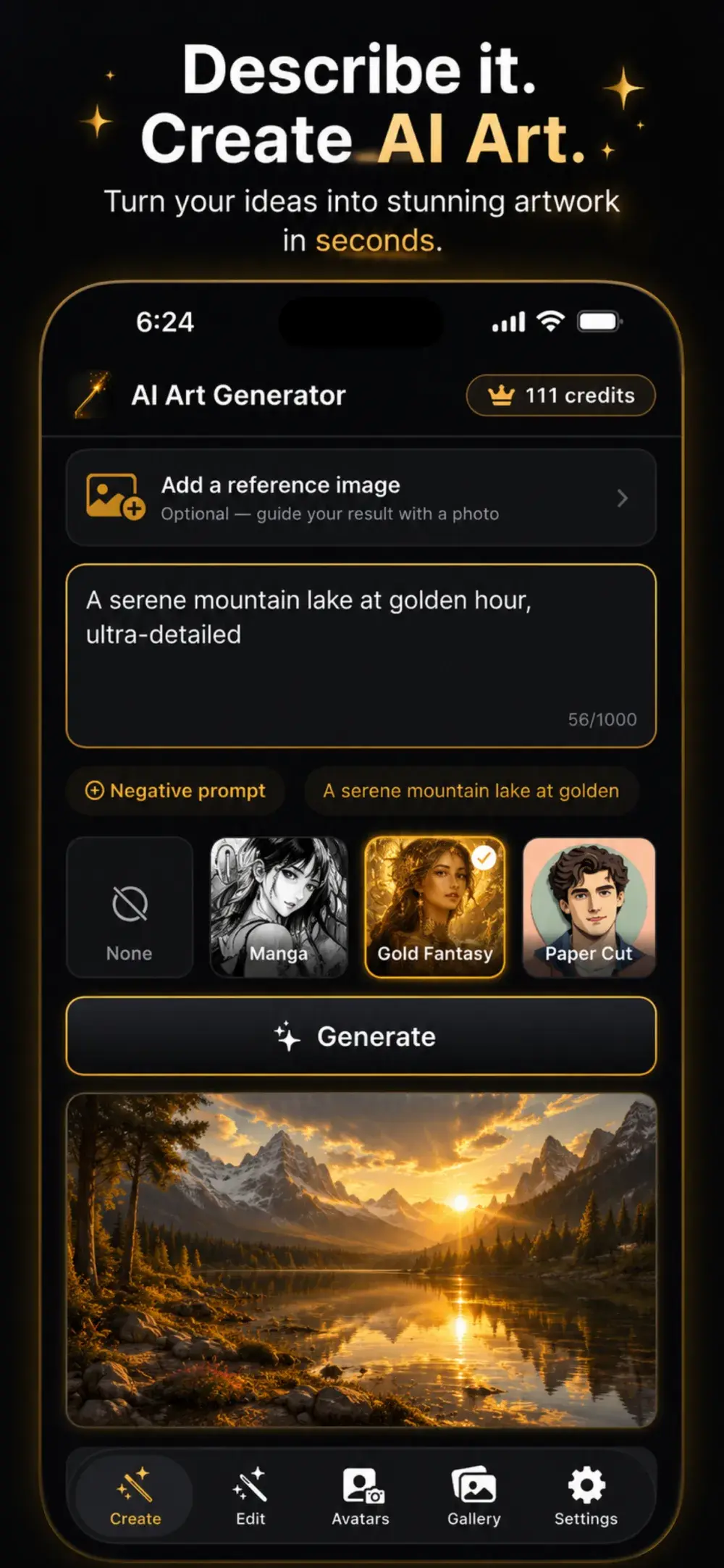
Describe anything and watch the AI art generator bring it to life in seconds. Add a negative prompt to fine-tune every detail.
ArtGenie is the AI art generator that turns your words into breathtaking images and your selfies into stunning AI avatars — across 100+ styles. Generate AI art, edit photos, and create avatars in seconds, free on iPhone or the web.
Everything you need to create
From a quick idea to a finished masterpiece — ArtGenie generates AI art, edits photos, and creates avatars, all in one place.
Describe anything and watch the AI art generator bring it to life in seconds. Add a negative prompt to fine-tune every detail.
Photorealistic, Anime, Cyberpunk, Oil Painting, Watercolor, 3D Render, Pop Art, Fantasy and many more.
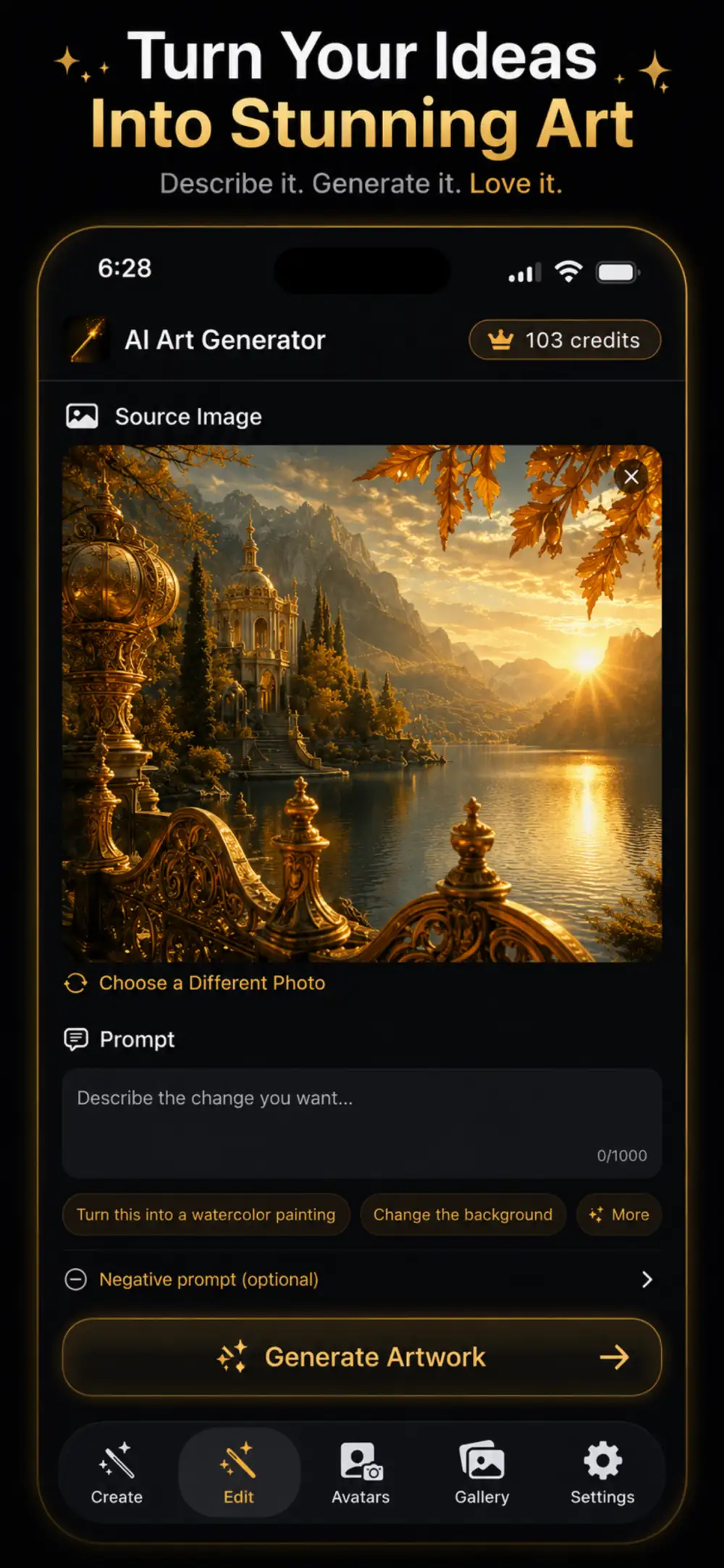
Restyle any photo with AI, or paint a mask to change just one part — swap backgrounds, add effects, and reimagine your shots.
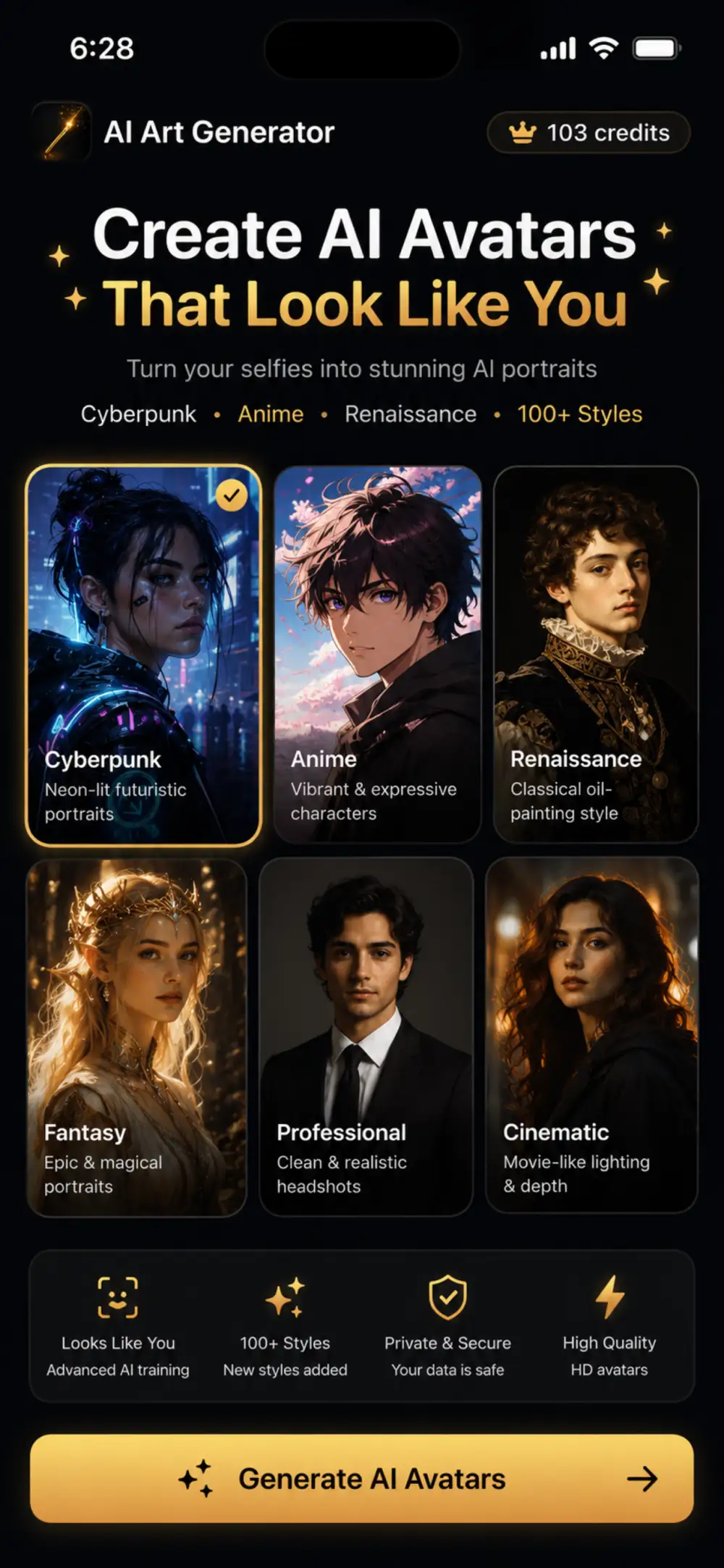
Turn your selfies into a pack of stunning AI avatars across themed looks. Perfect for profile pictures and headshots.
Choose Draft, Standard, or HD, pick your aspect ratio, then save to Photos and share anywhere.
Every creation is saved to your private gallery so you can revisit, regenerate, and share anytime.
Dead simple
Create AI art from a text prompt in three easy steps — no design skills required.
Type a prompt like “a majestic lion wearing a golden crown, cinematic lighting.”
Choose from 100+ AI art styles and set the quality and aspect ratio you want.
Tap generate, save your AI art to Photos, and share it anywhere in seconds.
AI avatar generator
Upload a few selfies and our AI avatars generator creates a pack of stylized portraits — keep your likeness, change everything else.
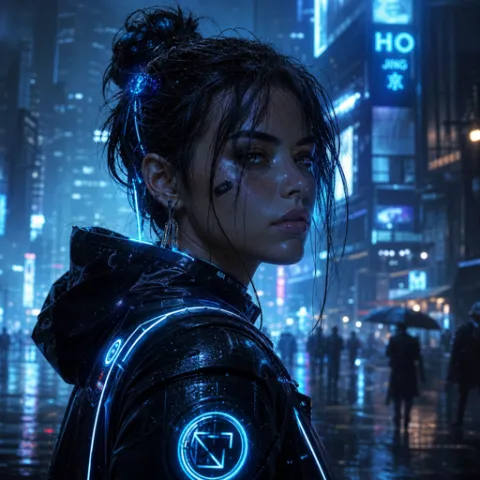
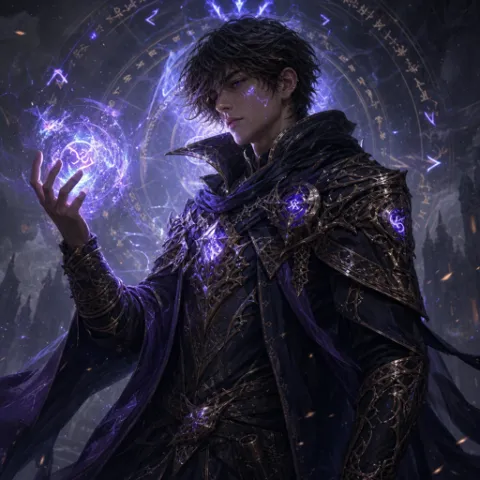
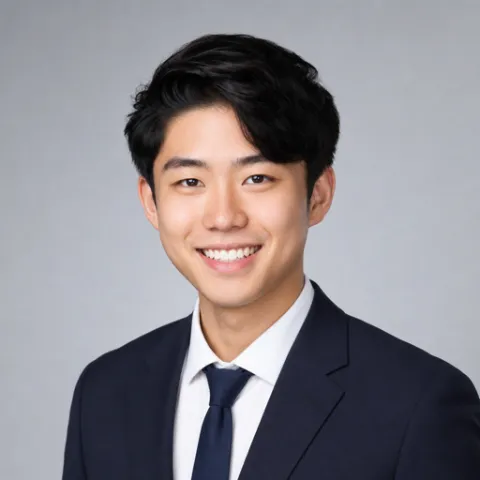
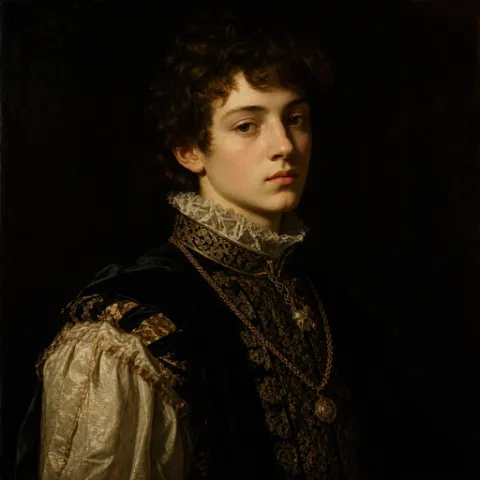
So many looks
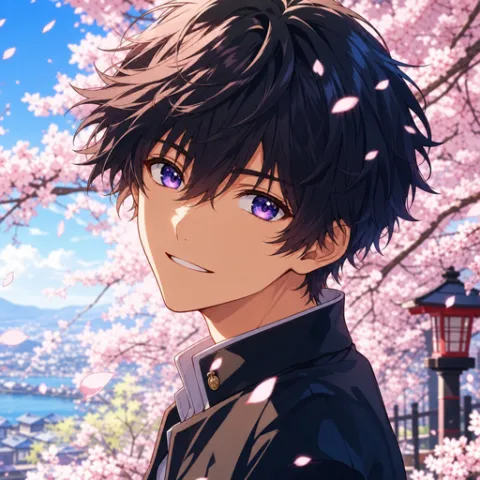
Generate AI art in over a hundred curated styles — here are real examples made with ArtGenie.
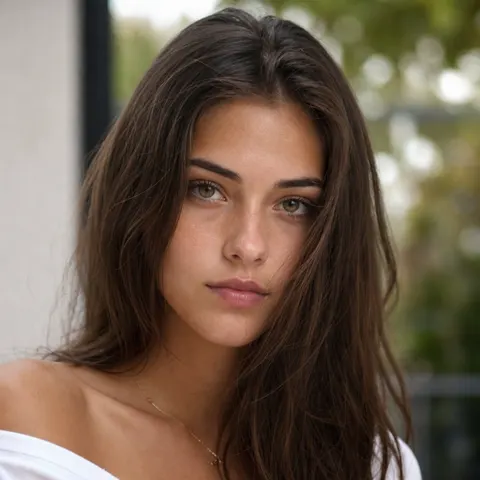
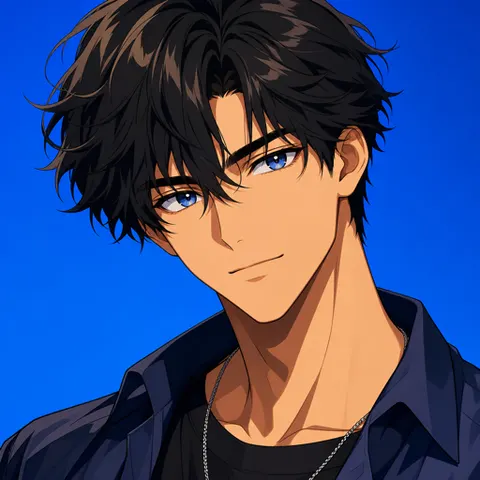
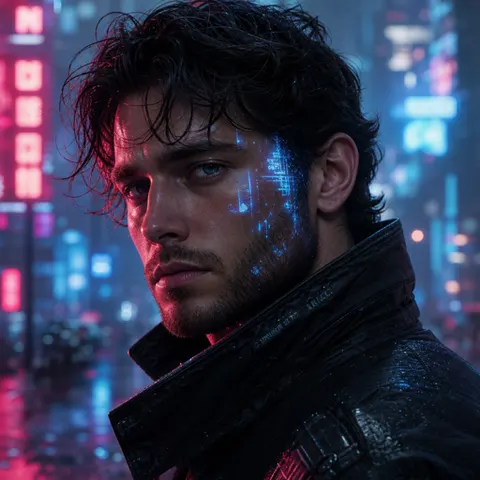
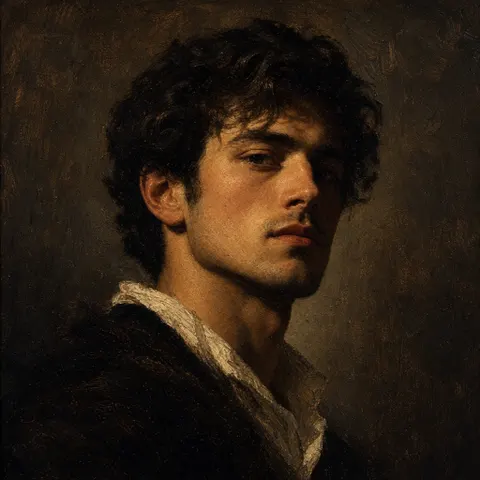
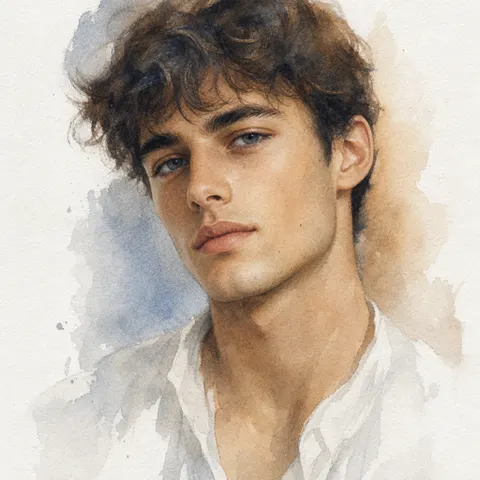
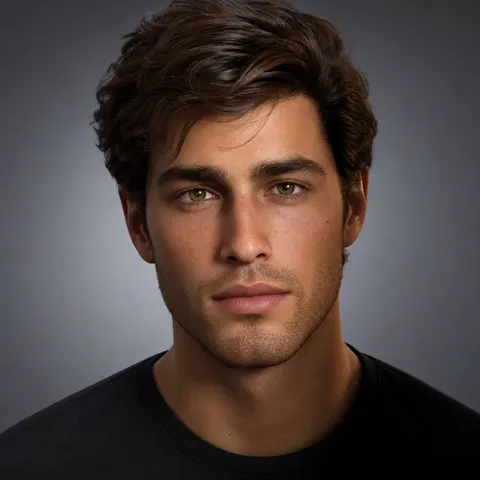
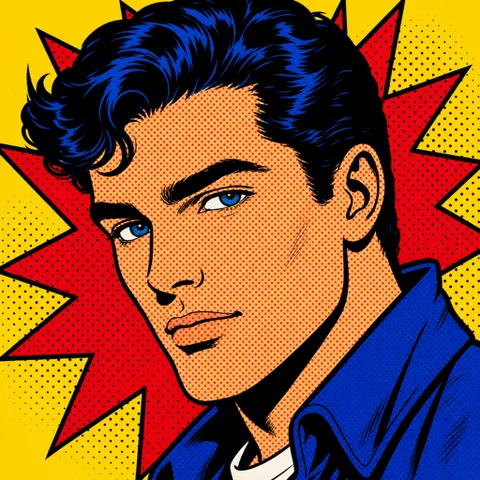
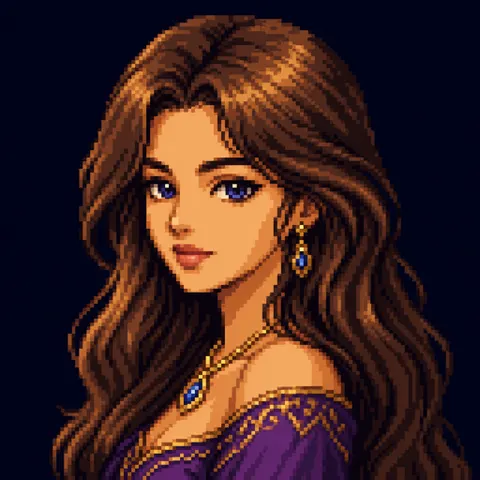
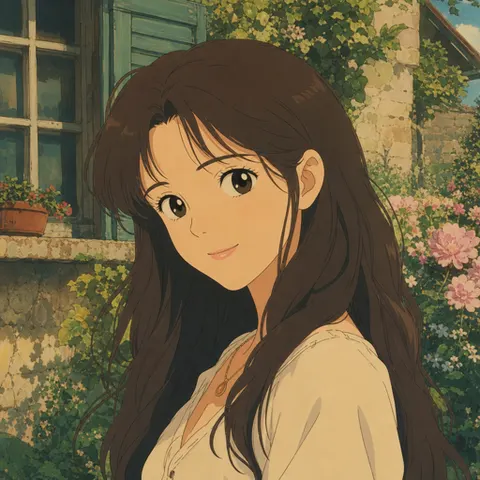
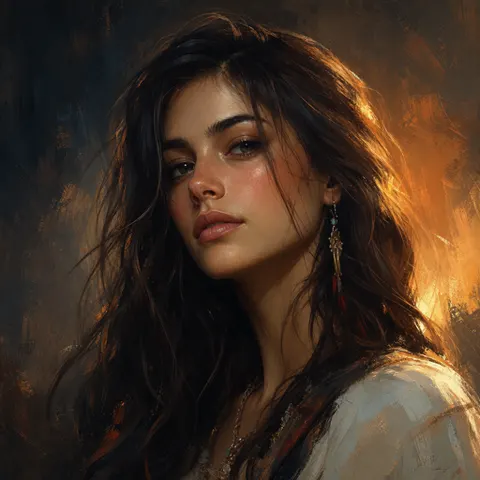
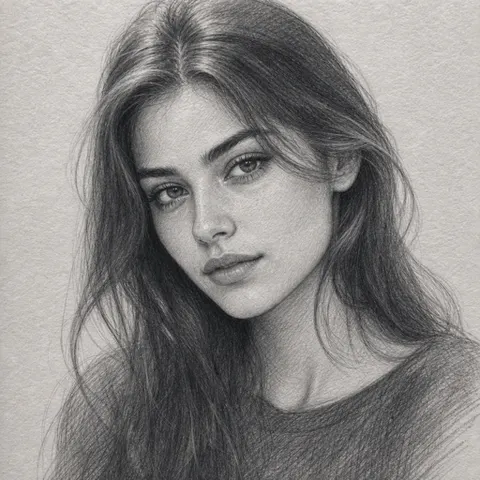
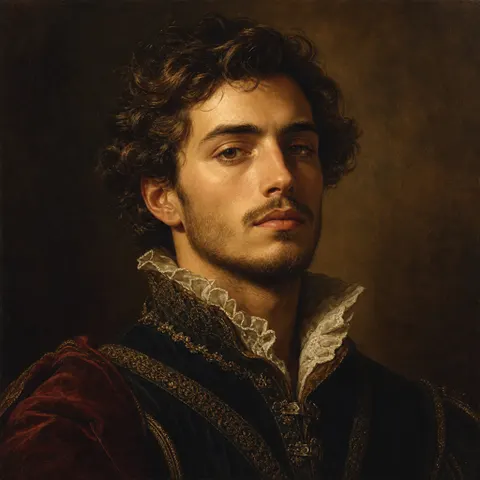
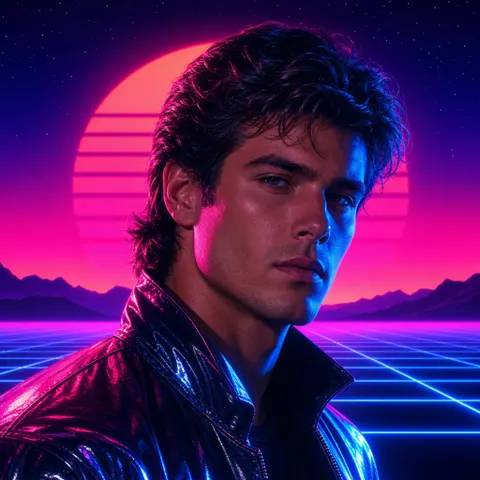
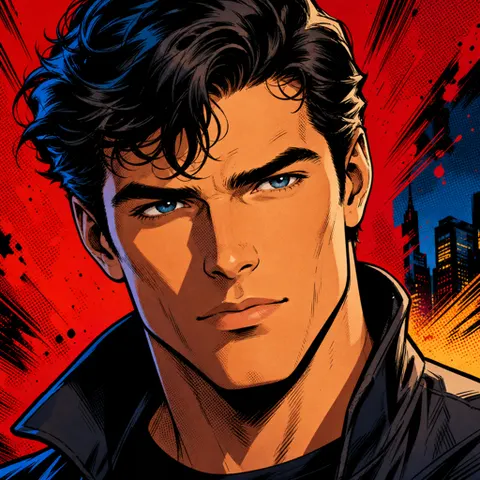
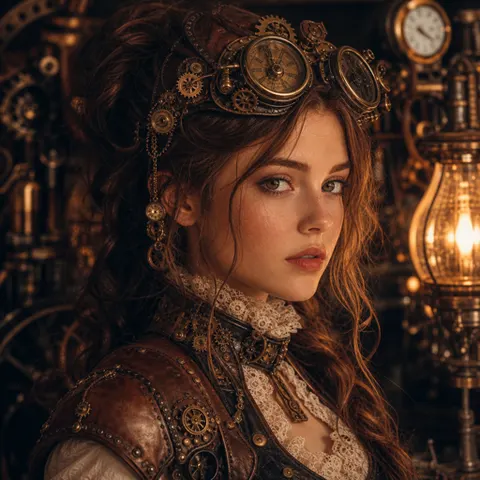
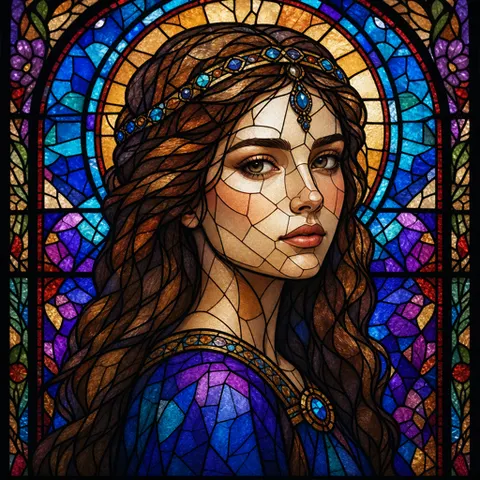
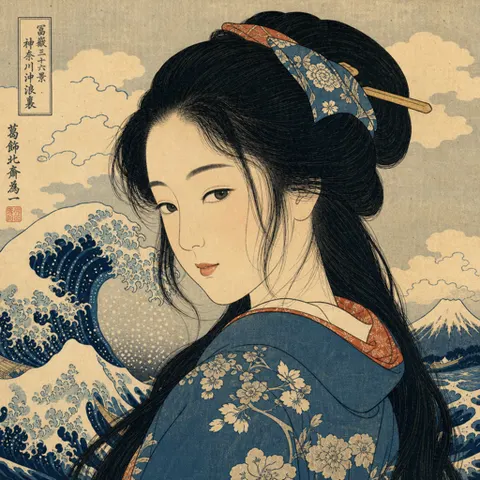
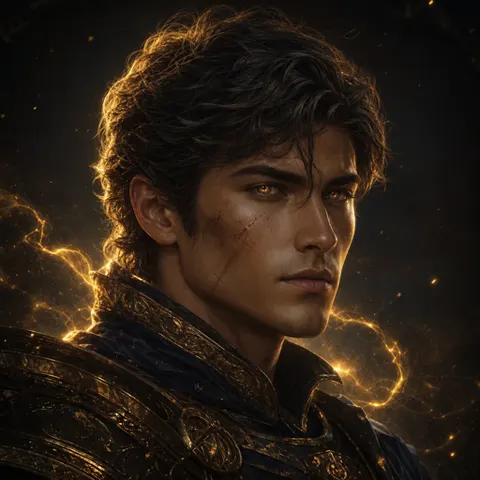
Plus dozens more — Manga, Line Art, Charcoal, Low Poly, Impressionist, Surrealism, Claymation, Art Deco, Gold Fantasy and 100+ styles in total.
The basics
An AI art generator is an app that creates original images from a simple text description using artificial intelligence. You type what you want to see — a scene, a character, a mood, a style — and the AI generates a unique, high-resolution picture for you in seconds. ArtGenie is an AI art generator for iPhone and the web that lets anyone make professional-looking art with no design skills.
To generate AI art, write a clear prompt describing your subject, setting, lighting, and style (for example, “a serene mountain lake at golden hour, ultra-detailed”). Pick one of 100+ art styles, choose your quality and aspect ratio, then tap Generate. ArtGenie renders the image and saves it to your private gallery, ready to download in HD or share.
AI avatars are stylized portraits created from your own selfies. An AI avatar generator studies a few of your photos and produces a pack of new images that keep your likeness while transforming the style — turning you into an anime hero, a cyberpunk character, a fantasy mage, a Renaissance subject, or a clean professional headshot. They’re perfect profile pictures for social media, gaming, and work.
Yes. Beyond generating art from scratch, ArtGenie includes an AI photo editor. Add a reference photo and describe the change you want — restyle the whole image, swap the background, or paint a mask to edit just one part. It’s an easy way to reimagine the pictures you already have.
Questions & answers
ArtGenie is a top AI art generator for iPhone that turns text prompts into stunning images and your selfies into AI avatars across 100+ styles. You can also use it free in any web browser at aiart.rnsagency.com/web.
Open ArtGenie, type a description of what you want to see, choose an art style, then tap Generate. Your AI art is ready to save and share in seconds.
Yes. Upload a few selfies and the AI avatar generator creates a pack of stylized portraits — anime, cyberpunk, fantasy, professional headshots, Renaissance and more — that look like you.
You can download ArtGenie and start generating AI art for free with included credits. Optional credit packs and subscriptions unlock more generations and HD quality.
ArtGenie offers 100+ AI art styles, including Photorealistic, Anime, Cyberpunk, Oil Painting, Watercolor, 3D Render, Pop Art, Fantasy, Renaissance and professional headshots.
Yes. Your photos and creations stay private to your account and your gallery is yours alone. See our Privacy Policy for full details.
ArtGenie is available as a native iPhone app on the App Store and as a web app you can use in any modern browser.
The art you generate with ArtGenie is yours to use. See our Terms of Use for full details.
Start creating today
Download AI Art Generator – ArtGenie and make your first piece of AI art in seconds.